
Shared visual baseline is handled by this skill in a customer-readable, reusable workflow.
Mobile fit checked is handled by this skill in a customer-readable, reusable workflow.
SB_ui_ux_standard@SB_ui_ux_standardFree | UI/UXIncluded in bundle10 minutes
What is this?
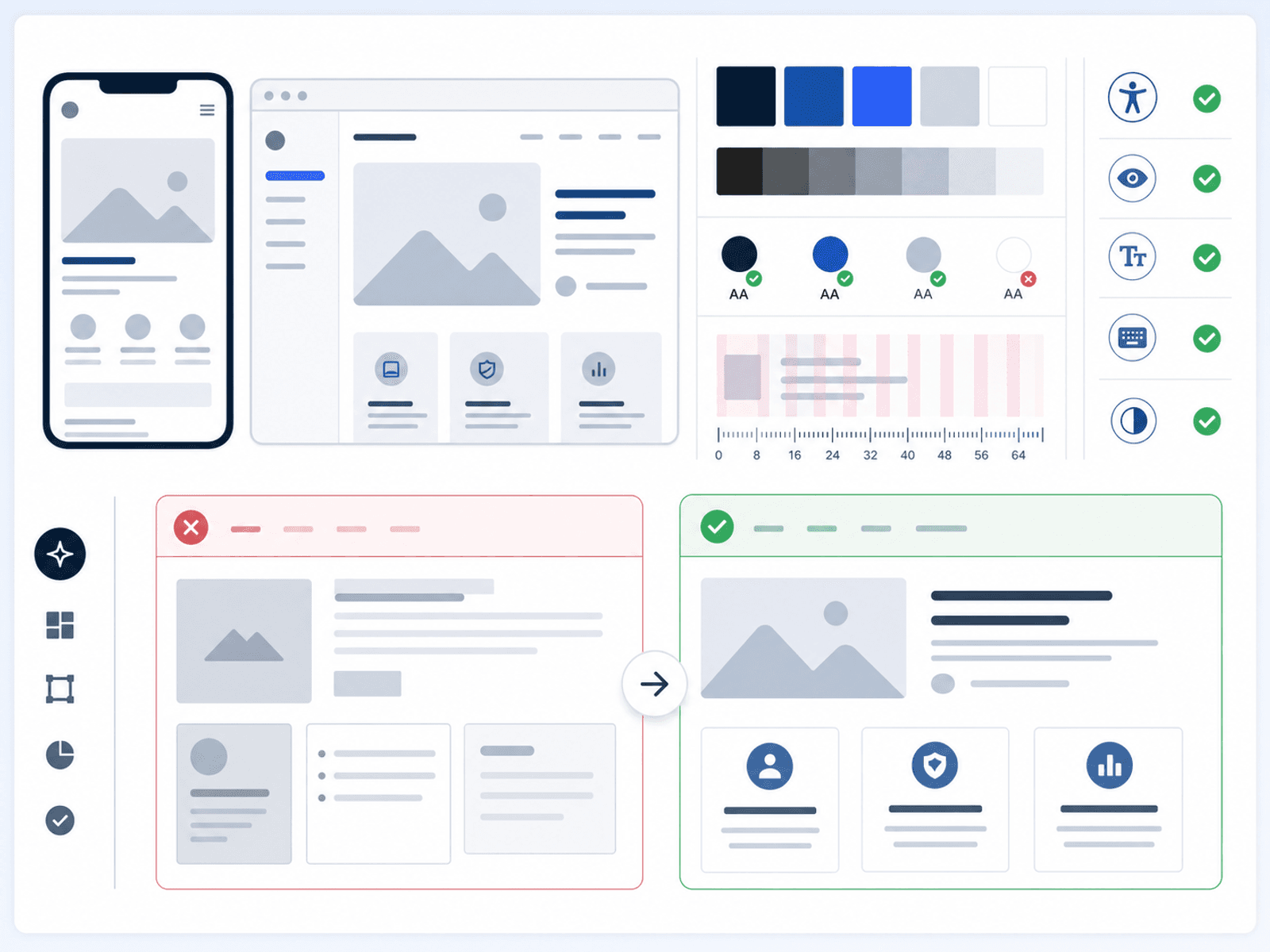
A page can load correctly and still lose trust in the first few seconds: the main action is unclear, the copy competes with itself, mobile spacing breaks, or the screen simply feels unfinished. UI/UX Standard gives the agent a first-screen quality baseline for user interface and user experience: page purpose, hierarchy, action priority, spacing, mobile fit, and trust cues. It is the lightweight check before deeper design governance, so a founder can improve the screen with practical criteria instead of guessing from taste.
When this helps
What you get
- UI/UX checklist
- Mobile-readiness review
- Reusable screen guidance
Use it when
- An AI-built screen technically works, but users may not know what to click, read, or trust first.
- Your product has multiple screens and each one starts to feel different in layout, spacing, buttons, mobile behavior, or message clarity.
- You need a simple UI standard that helps AI improve the screen toward clarity, trust, and usability before more product work continues.
Not the right fit when
- It is not a full brand system or a substitute for user research. It gives a safe starting standard for interface quality.
What this prepares next
Cleaner first screens -> More consistent AI UI prompts -> Earlier mobile issues found
Why this is stronger than asking AI once
Asking AI to make a screen look better can produce a nicer mockup, but it often misses the basic trust problems: unclear hierarchy, weak actions, cramped mobile layout, and inconsistent screen rules. UI/UX Standard is stronger because it gives the agent a starter screen-quality standard for layout, copy, spacing, buttons, mobile fit, and practical trust signals before the product keeps growing. The buyer gets a repeatable way to improve early pages without needing design vocabulary first. Boundary: It is not a full brand system or user research program; it sets a practical first standard for AI-built interfaces.
Included interface patterns
Storefront Discovery
A first-screen store pattern that makes the offer, proof, price path, and next action clear.
Hero, trust proof, product entry points, and safe conversion actions.Review Approval Dashboard
A product-review pattern for checking package readiness, linked skills, illustrations, and QC status.
Review queue, approval state, file checklist, and owner decision signal.Cart And Access Flow
A checkout-support pattern for add-ons, discounts, email delivery, passcode access, and download limits.
Cart builder, linked-skill discount, email access, download status, and support entry.Light Theme Sample
A bright, calm theme for storefront, product, checkout, and help pages where readability and trust matter most.
Light theme CSS variables and a sample workspace screen.Midnight Theme Sample
A dark operational theme for review dashboards, approval queues, analytics, and dense status surfaces.
Midnight theme CSS variables and a sample review workspace.Sunset Theme Sample
A warm high-energy theme for demo, launch, and campaign pages that still require clear contrast and safe CTAs.
Sunset theme CSS variables and a sample conversion workspace.Demo Website Objects
A clickable demo page showing common website objects built with AI work tool and the UI/UX Standard.
Hero, cards, pricing, reviews, form, alert, table, dashboard metrics, and three theme buttons.